BotMaster setup
Get the latest official version of BotMaster Software. Access newest features, performance improvements, bug fixes, and installation updates from the official setup page.
BotMaster – Official Website
From $10/year — all features included
Secure checkout via Stripe, PayPal, or Crypto. Instant license on thank you page. Setup access by email.
15,000+
Happy Customers
150+
Countries Served
Since 2022
Trusted Software
Instant
License Delivery
What you get when you set up BotMaster
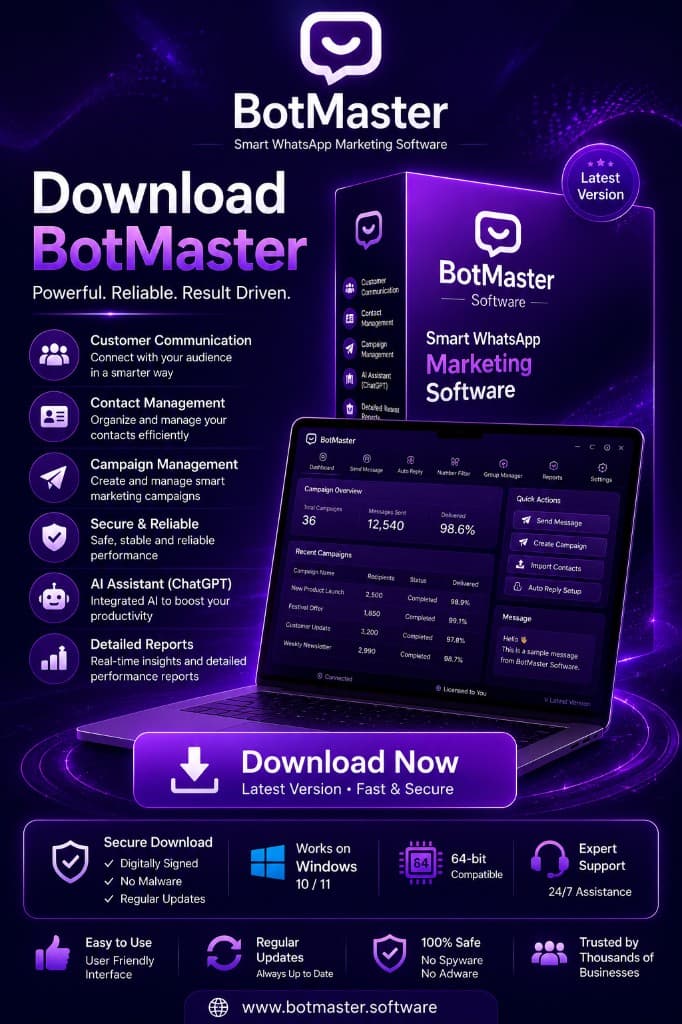
BotMaster is a desktop WhatsApp sender application — not a browser extension or mobile app. After purchase, you receive everything you need to install and activate on your computer.
Official desktop application
Install BotMaster locally on your supported computer for reliable bulk WhatsApp messaging.
Instant license key
Shows on the thank you page after checkout. View anytime on My Licenses.
Full feature set included
Bulk sender, contact import, auto-reply, number filter, scheduling, and free updates.
Dedicated support
WhatsApp and email support if you need help with installation or activation.
System Requirements
- Desktop application for local installation on a supported computer
- Active internet connection for activation and messaging
- Valid BotMaster license key (shown on thank you page after checkout)
- Not available as a mobile app — computer installation only
How to set up BotMaster for WhatsApp
Follow these four steps to set up BotMaster on your computer and start messaging.
Step 1.Buy BotMaster
Choose a BotMaster plan and complete secure checkout on the product page.
Step 2.Get your license key instantly
After checkout, your license key shows instantly on the thank you page — or anytime on the My Licenses page.
Step 3.Install on your computer
Install the BotMaster desktop app on your supported computer. Your setup access link is also sent by email.
Step 4.Activate and send
Enter your license key, connect WhatsApp, and start sending bulk WhatsApp campaigns.
After checkout, your license key shows instantly on the thank you page — or on the My Licenses page. Need help? contact support.
Buy BotMasterSetup FAQ
Common questions about setting up BotMaster for WhatsApp
No — BotMaster requires a valid license. After purchase, your license key shows on the thank you page or My Licenses page.