
🚀 Getting started
Activate your licence
BotMaster Plus asks for a licence key the first time it opens. Each key works on one computer only, so you copy your Machine ID first.
Get your licence key
- Open BotMaster Plus. The Activate BotMaster Plus window appears.
- Click Copy under Machine ID. This copies your computer's ID.
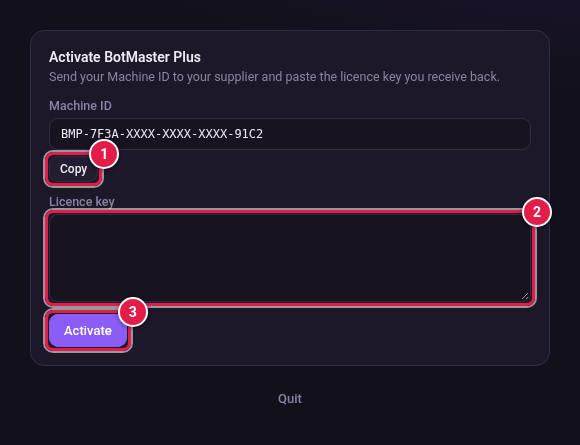
- Go to botmaster.software and buy your plan. Paste your Machine ID when asked.
- Copy the licence key that appears right after payment.
Activate
- Click the Licence key box in BotMaster Plus.
- Paste your key.
- Click Activate.
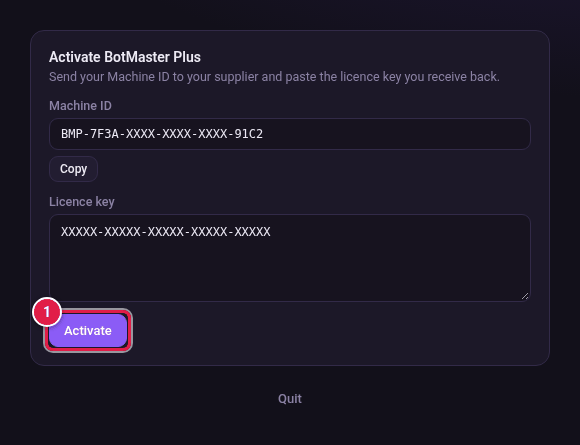
- The main window opens. The green badge at the top shows Licensed until and the end date.
Change or renew your key later
You can paste a new key at any time in Settings → Licence.