
🔗 WhatsApp accounts
Add a WhatsApp account
Each WhatsApp number you want to send from is an account in BotMaster Plus. First you add it with a name, then you link it to WhatsApp.
Add the account
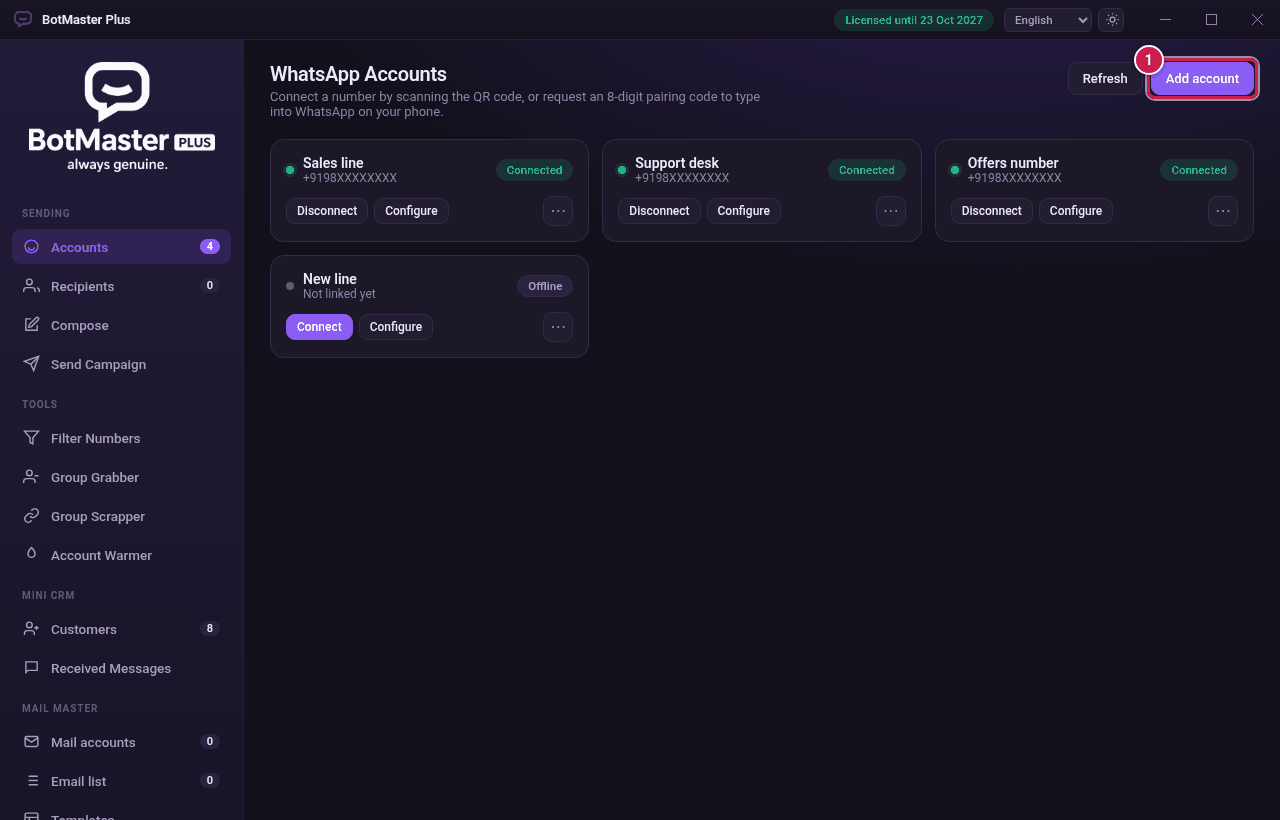
- Click Accounts in the left menu.
- Click Add account at the top right.
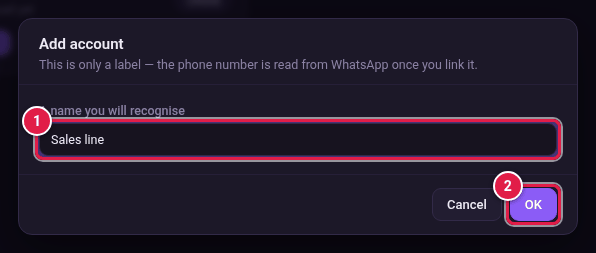
- Type a name you will recognise, for example Sales line.
- Click OK.
- A new card appears with the status Not linked yet. Now link it: with a QR code or with a pairing code.