
👥 Recipients
Add recipients from a file or a list
Recipients are the people your campaign is sent to. Load them from a file or paste a list.
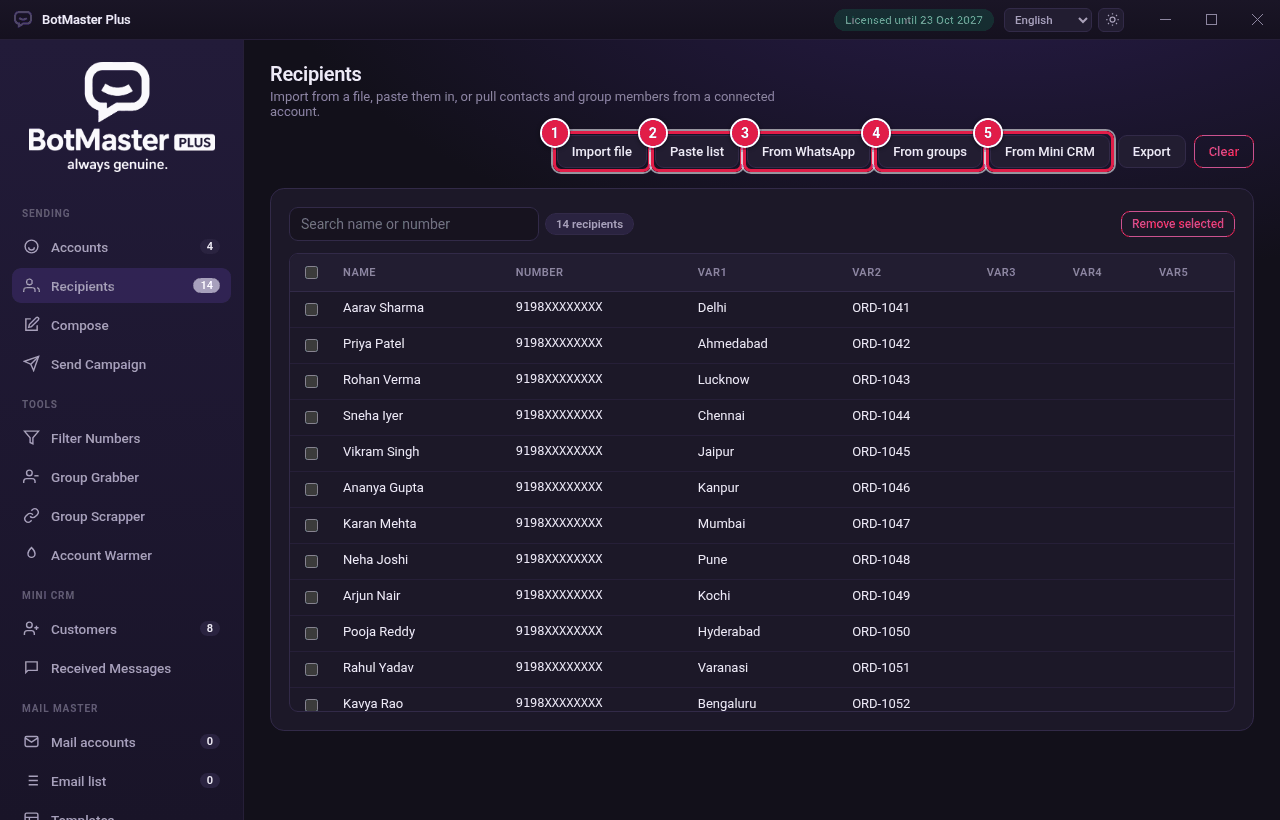
Import a file
- Click Recipients in the left menu.
- Click Import file.
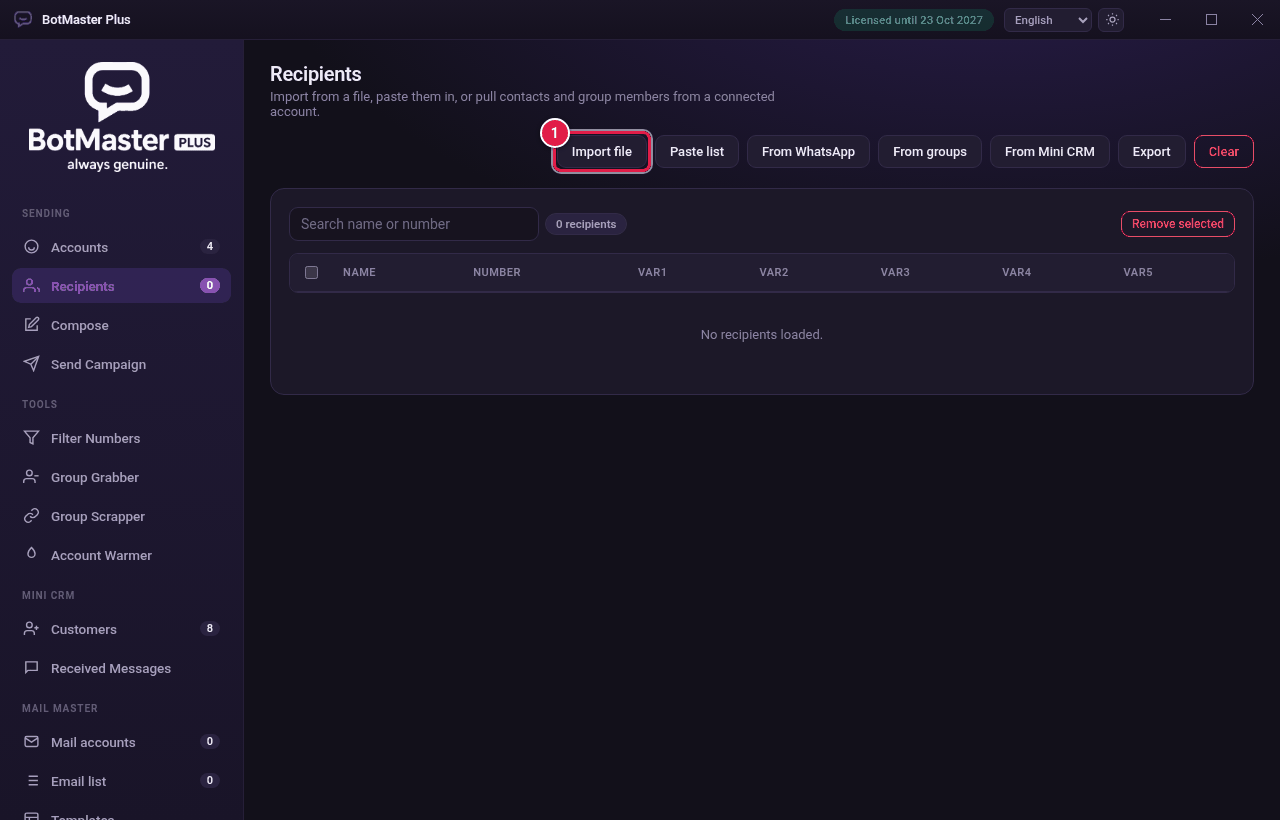
- Choose a .txt or .csv file.
- A message at the bottom tells you how many were added, and how many duplicates or invalid numbers were skipped.
Paste a list
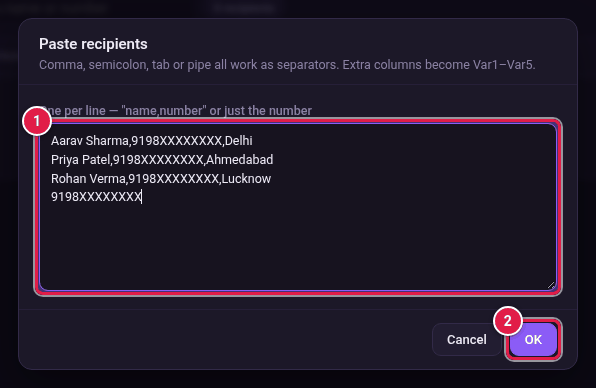
- Click Paste list.
- Paste your list, one person on each line. Commas, semicolons, tabs or the | sign all work as separators.
- Click OK.
The columns
| Column | What it holds |
|---|---|
| Name | The person's name. Used by [[fullname]], [[firstname]] and [[lastname]]. |
| Number | The WhatsApp number with country code. |
| Var1–Var5 | Any extra details, such as city or order number. |