🔗 WhatsApp accounts
Link a number with a QR code
Scan a QR code with your phone to link a WhatsApp number to BotMaster Plus. This is the quickest way.
Link with a QR code
- On the account's card, click Connect.
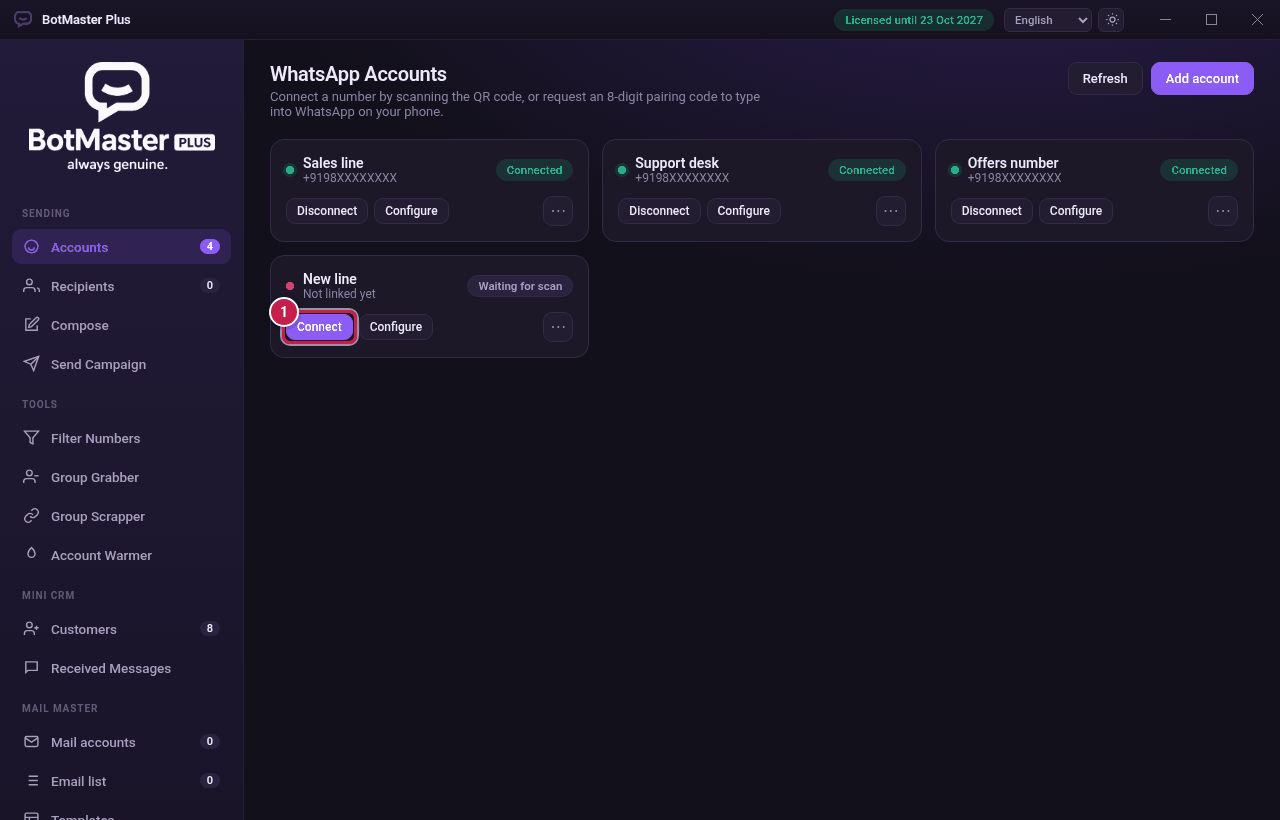 Click Connect on the new account.
- The Link this account window shows a QR code.
- On your phone, open WhatsApp.
- Tap Settings, then Linked devices.
- Tap Link a device.
- Point your phone at the QR code on your screen.
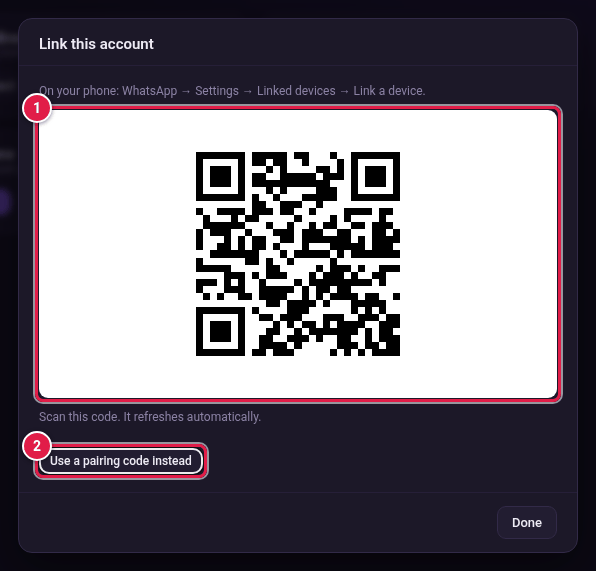 (1) Scan this code. (2) Or use a pairing code instead.
- Wait a few seconds. The card shows a green Connected badge and the phone number.
- Click Done.
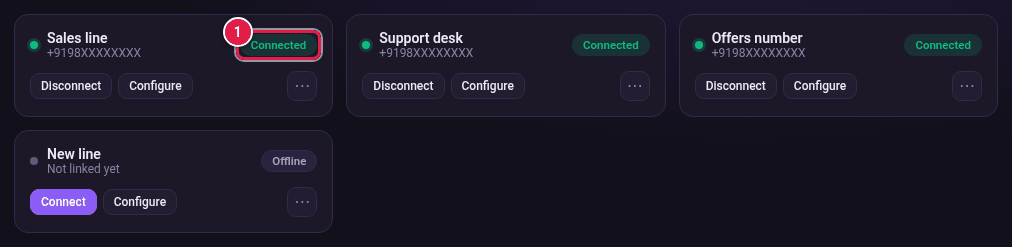 The account is linked and ready to send.
