
⚙️ Settings
Theme, language and storage
Change how BotMaster Plus looks, pick your language and find your saved files.
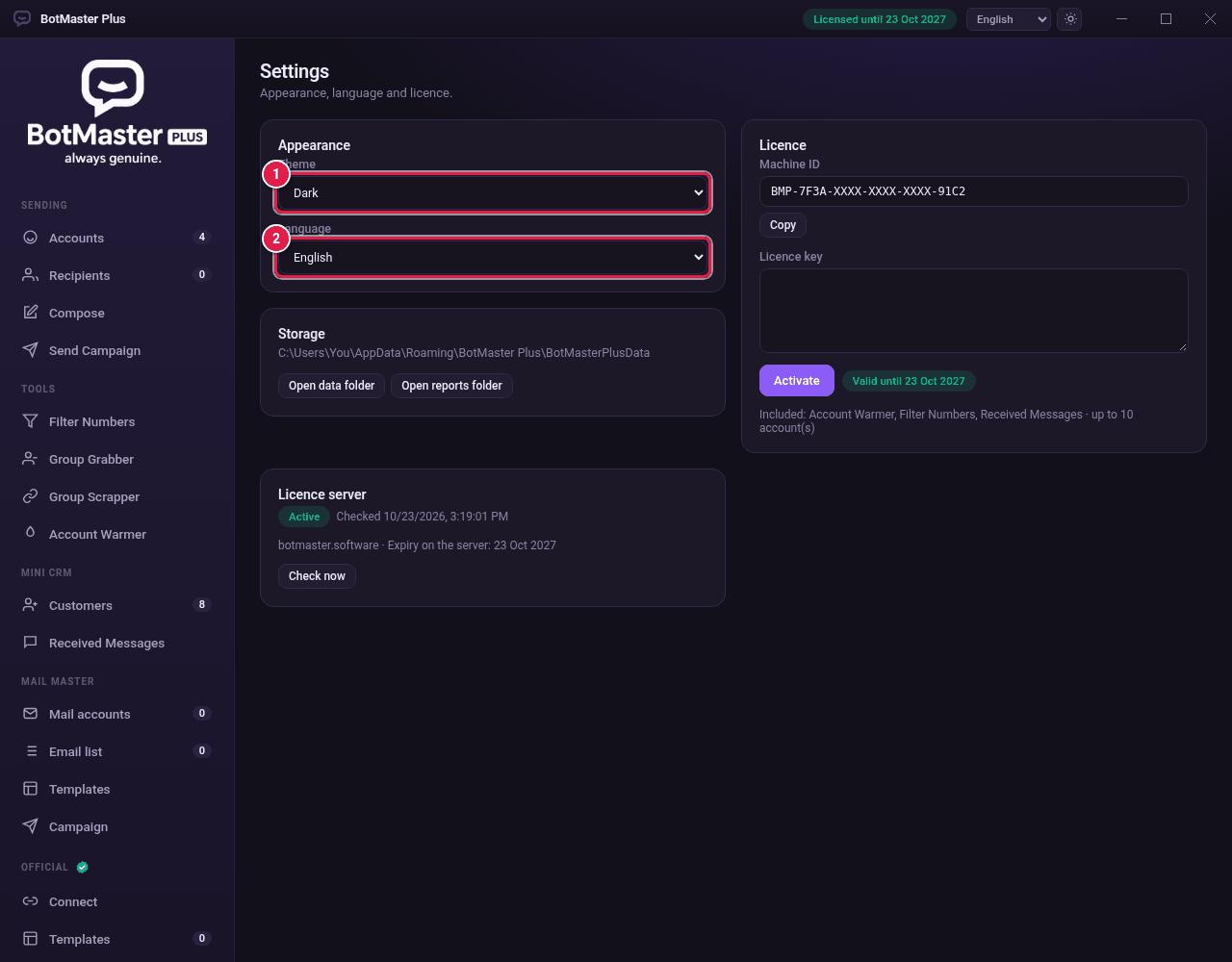
Change the theme
- Click Settings in the left menu.
- Under Appearance, choose Dark or Light in Theme.
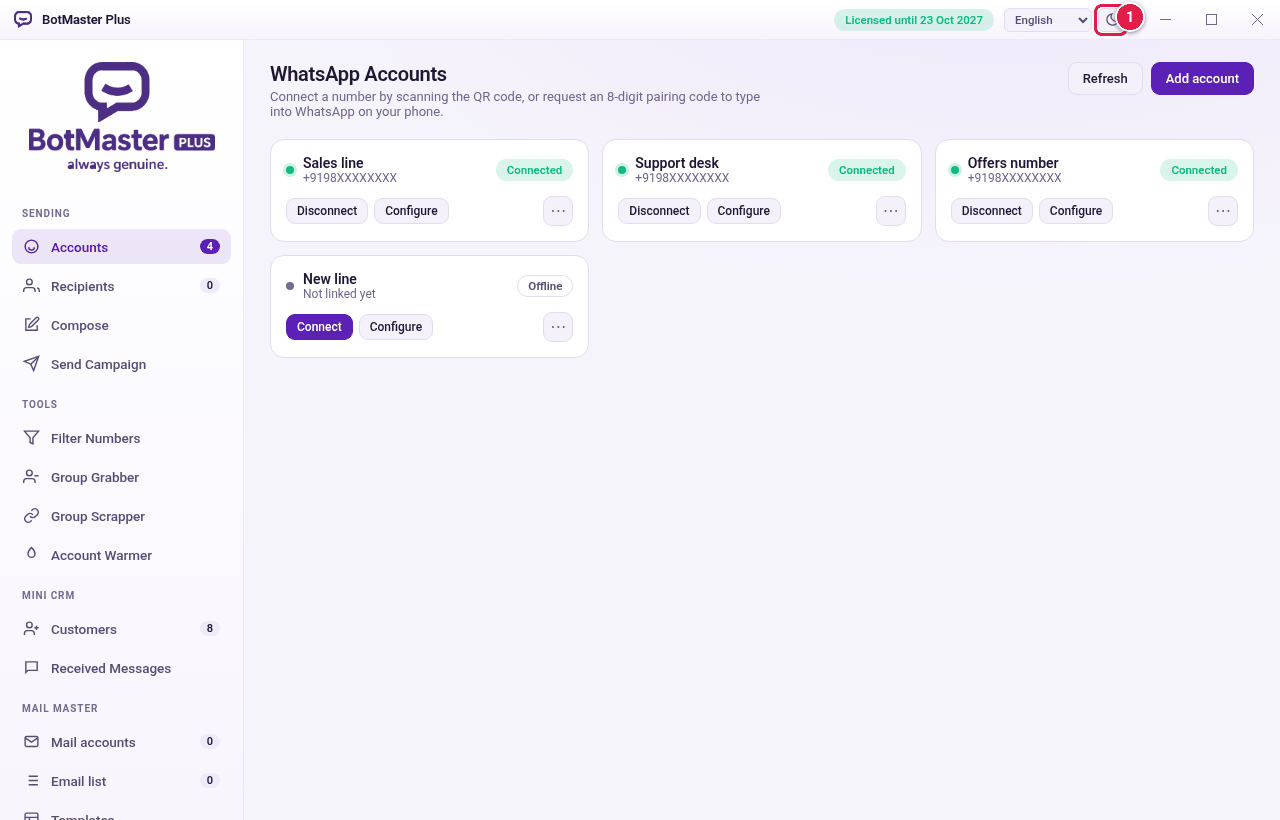
Change the language
- Under Appearance, open Language.
- Choose English, العربية (Arabic), Español, עברית (Hebrew), Português or Русский (Russian).
The app changes straight away. Arabic and Hebrew show from right to left.
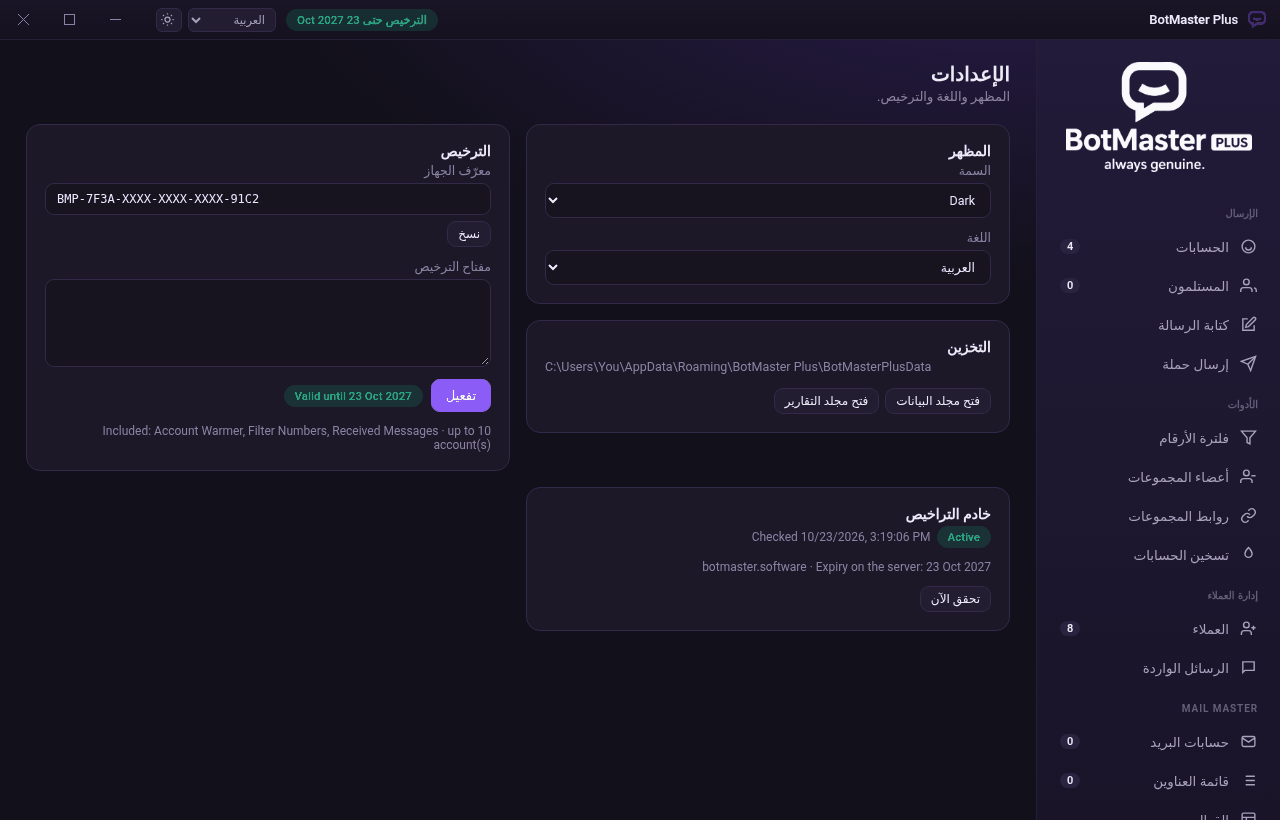
Find your files
- Under Storage, see where BotMaster Plus keeps your data.
- Click Open data folder to open it.
- Click Open reports folder to see your campaign reports.