💬 Customers & inbox
Customer types
Types are labels that sort your customers, such as Lead or VIP. A customer can have several types.
The built-in types
BotMaster Plus comes with eight types: Lead, Prospect, Customer, VIP, Reseller, Supplier, Inactive and Do not contact. They cannot be renamed or removed.
Add your own type
- Open a customer, or click Add customer.
- Type the new type in Add your own type, for example Wholesale.
- Click Add.
Rename or remove your own types
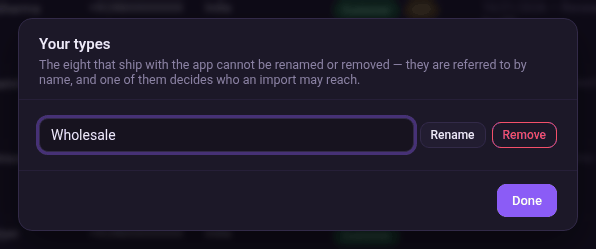
- In a customer window, click Manage types.
- Change the name and click Rename, or click Remove.
- Click Done.