
✉️ Mail Master
Send an email campaign
Send your email to everyone on your list, spread across your mail accounts.
Send
- Click Campaign under Mail Master.
- On the Mail accounts page, make sure the accounts you want are ticked.
- In Sending mode, choose Rotation — one account at a time or Simultaneous — alternate every message.
- Set Switch account after and Delay between messages.
- Type a Footer line, for example "You are receiving this because you contacted us."
- Click Start campaign.
- Check the summary and click Start.
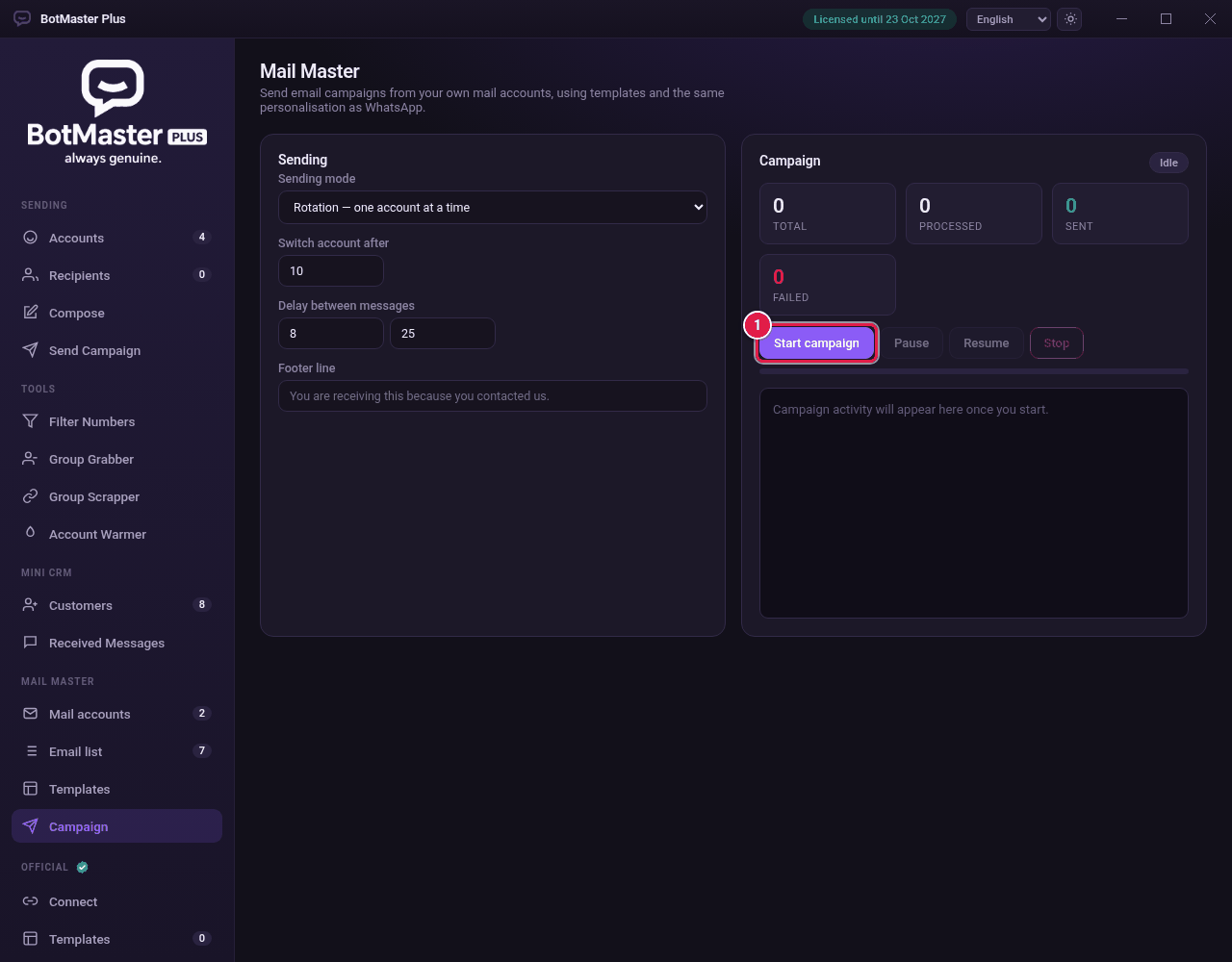
- Watch the counters: Total, Processed, Sent and Failed.
- Click Pause, Resume or Stop at any time.