
✅ Official WhatsApp
Analytics and number health
See what was sent, delivered and charged on your account. These figures come straight from Meta.
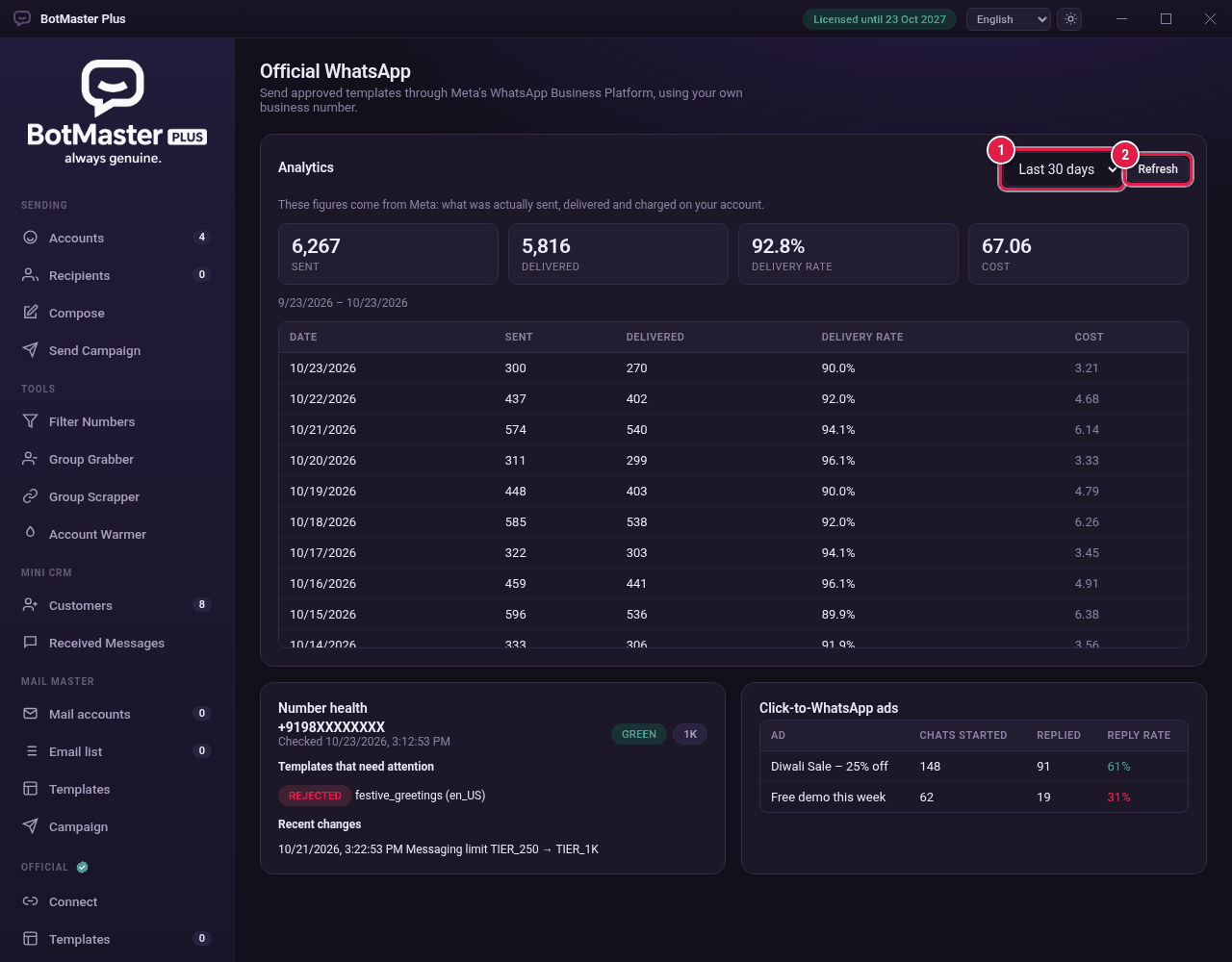
View the numbers
- Click Analytics under Official.
- Choose Last 7 days, Last 30 days or Last 90 days.
- Click Refresh.
- Read the totals: Sent, Delivered, Delivery rate and Cost. The table below shows each day.
Number health
The Number health box shows the quality of your sending number, Templates that need attention (for example rejected ones) and Recent changes to your limits.
Click-to-WhatsApp ads
If you run Facebook or Instagram ads that open WhatsApp, the Click-to-WhatsApp ads box shows each Ad, the Chats started, how many Replied and the Reply rate.