👥 Recipients
Add recipients from WhatsApp, groups or the CRM
Pull recipients straight from a linked account's contacts or groups, or from your Mini CRM.
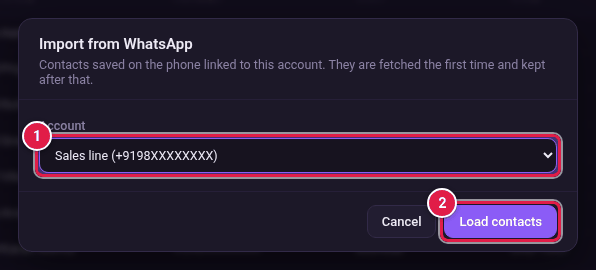
From WhatsApp contacts
- On the Recipients page, click From WhatsApp.
- Choose the Account.
- Click Load contacts.
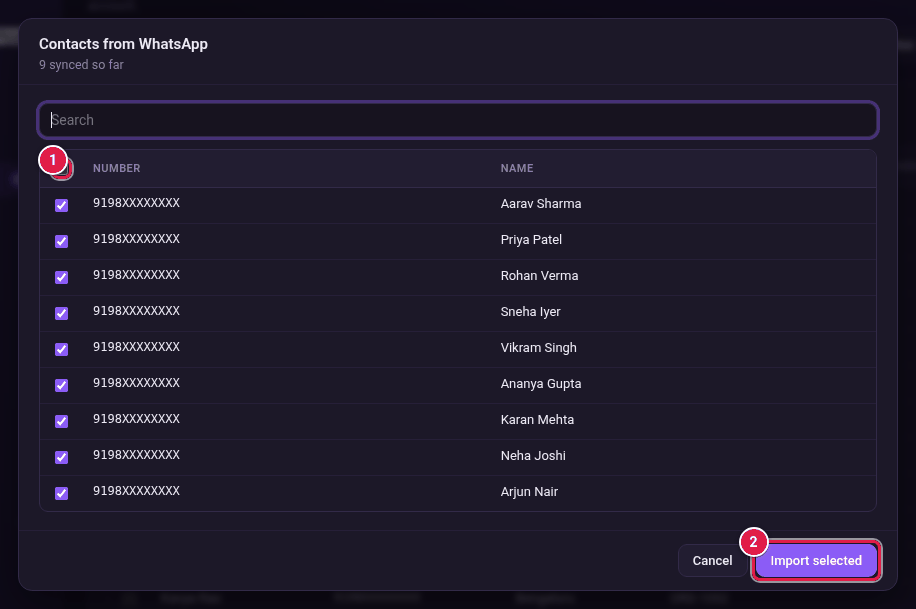
- Tick the people you want. Use the box at the top of the list to tick everyone, or type in Search to find someone.
- Click Import selected.
From groups
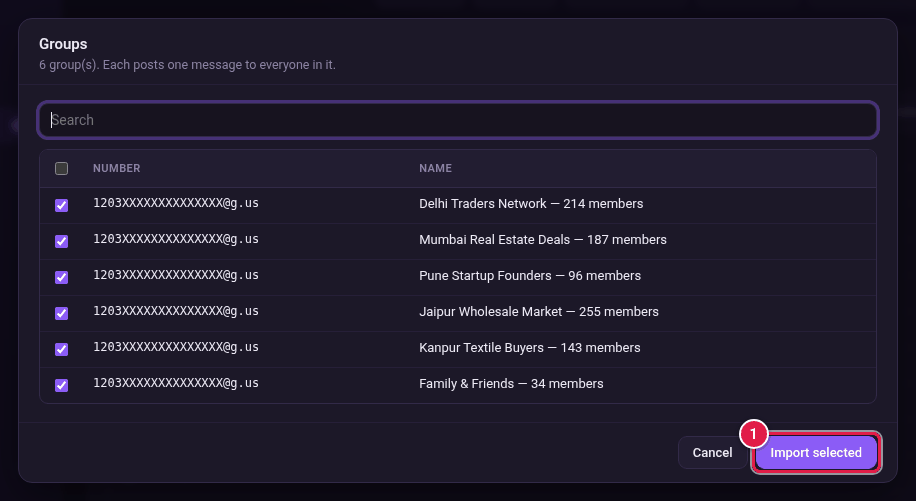
- Click From groups and choose the account.
- Tick the groups you want.
- Click Import selected.
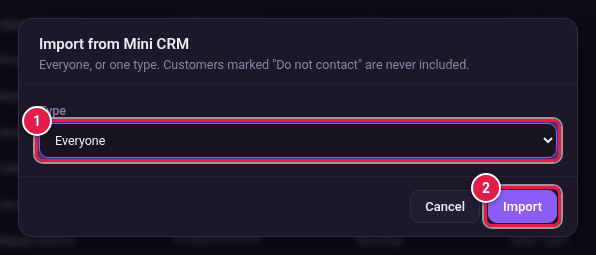
From Mini CRM
- Click From Mini CRM.
- In Type, choose Everyone or one customer type, such as Customer or Lead.
- Click Import.