
🚀 Getting started
Welcome to BotMaster Plus
BotMaster Plus is a Windows app for sending WhatsApp messages to many people at once. It also replies to customers for you, keeps a small customer list, sends email campaigns and works with the official WhatsApp Business Platform.
What you can do
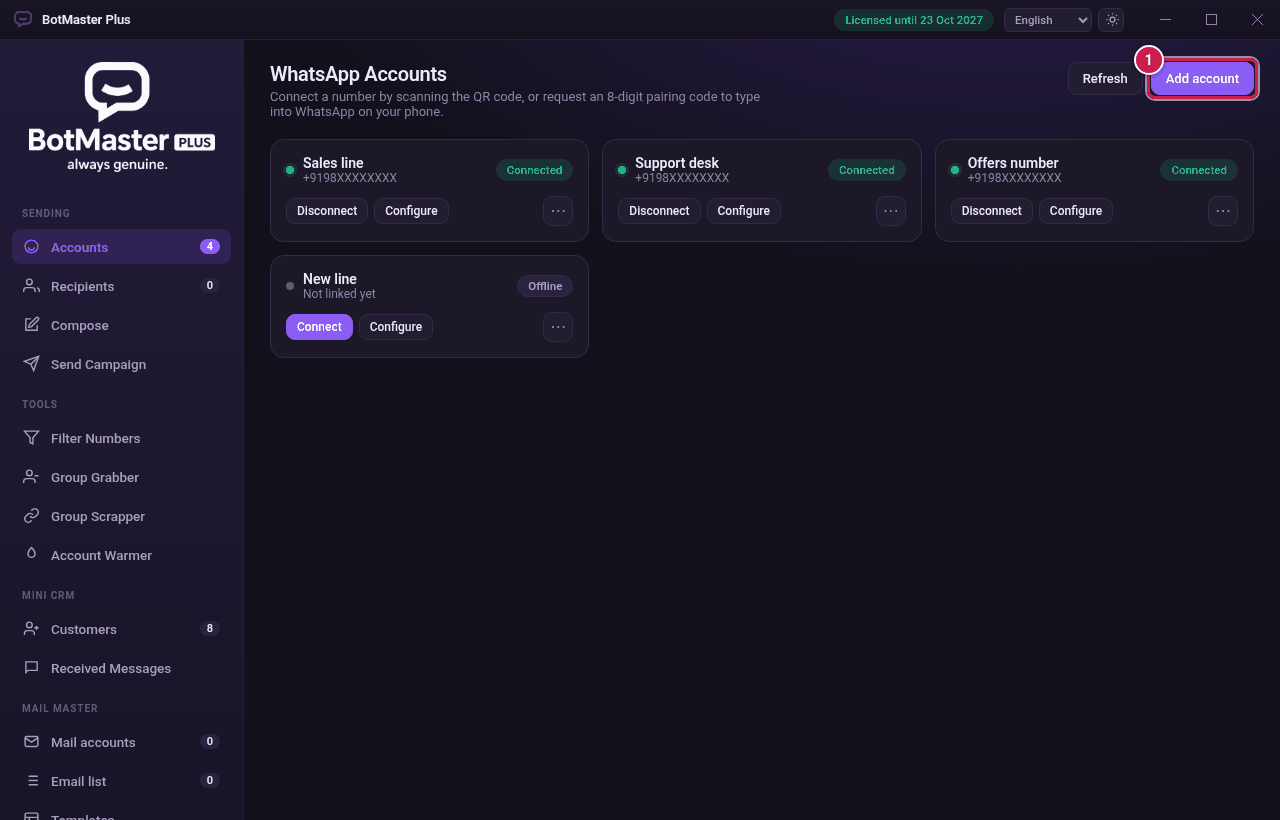
- Link several WhatsApp numbers by scanning a QR code or typing a pairing code.
- Send campaigns to a list of recipients, with a different-looking message for each person.
- Reply automatically with keyword rules, a welcome message or an AI assistant.
- Check numbers to see which ones use WhatsApp.
- Collect group members and join groups from invite links.
- Warm up new numbers so they look like normal accounts.
- Keep your customers in the Mini CRM and see every message you receive.
- Send email campaigns from your own mail accounts with Mail Master.
- Send approved templates with Official WhatsApp (Meta's WhatsApp Business Platform).
How it works
- You install BotMaster Plus and activate it with your licence key.
- You link one or more WhatsApp numbers.
- You add the people you want to message.
- You write your message.
- You start the campaign and watch it run.
Where to begin
Follow these guides in order: Install → Activate your licence → Add a WhatsApp account → Add recipients → Write your message → Send a campaign.