🧰 Growth tools
Find and join groups from invite links
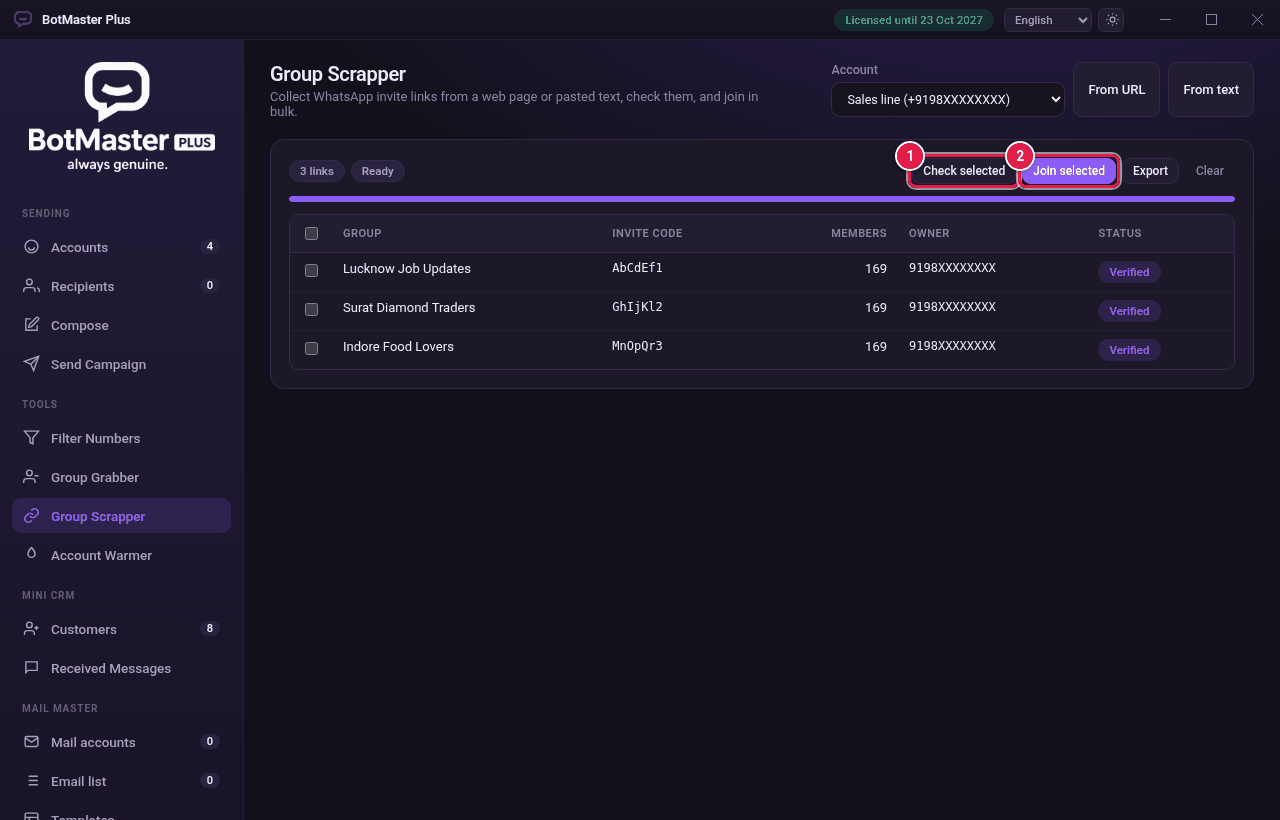
Group Scrapper collects WhatsApp group invite links from a web page or from text you paste, checks them and joins the groups.
Collect links
- Click Group Scrapper in the left menu.
- In Account, choose a connected account.
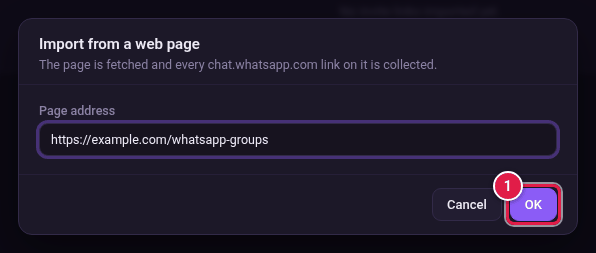
- Click From URL to read links from a web page. Type the Page address and click OK.
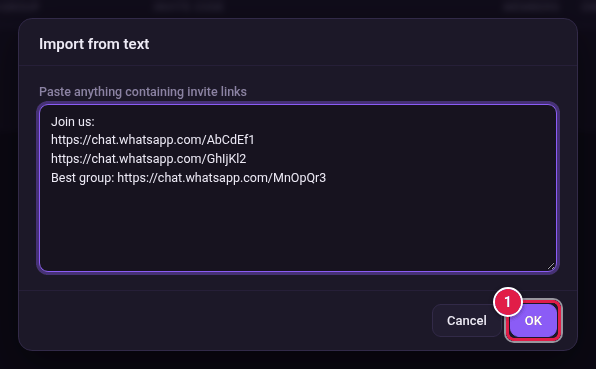
- Or click From text, paste any text that has invite links, and click OK.
Check and join
- Tick the groups you want.
- Click Check selected. Good links show Verified, with the group name, members and owner.
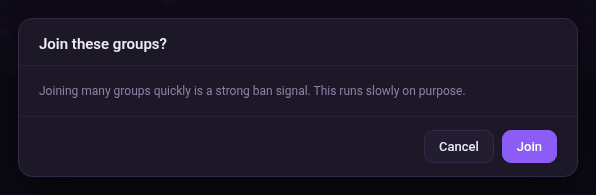
- Click Join selected.
- Click Join to confirm.