🚀 Getting started
Install BotMaster Plus
Install BotMaster Plus on your Windows computer with the setup wizard. It takes about a minute.
Install
- Double-click the BotMaster Plus Setup file.
- If Windows shows "Windows protected your PC", click More info, then click Run anyway.
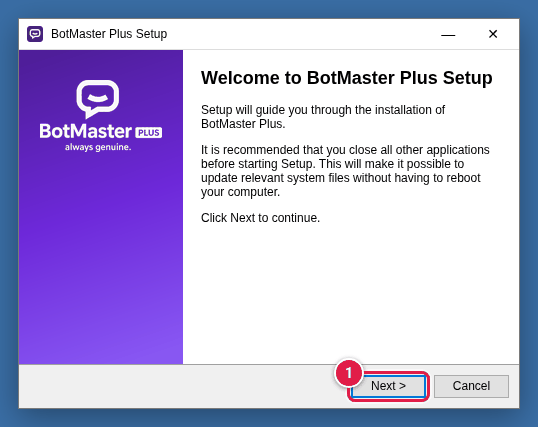
- On the welcome screen, click Next >.
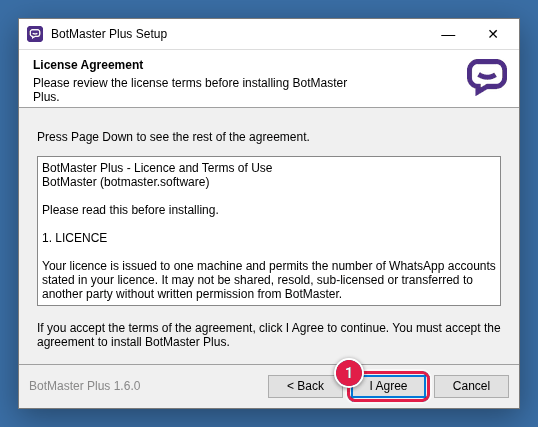
- Read the licence agreement, then click I Agree.
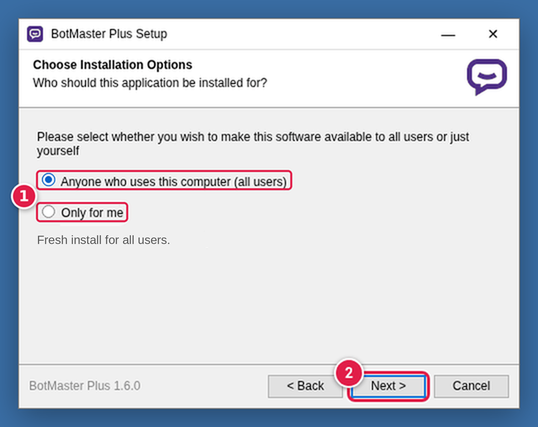
- Choose Anyone who uses this computer (all users) (the usual choice) or Only for me.
- Click Next >.
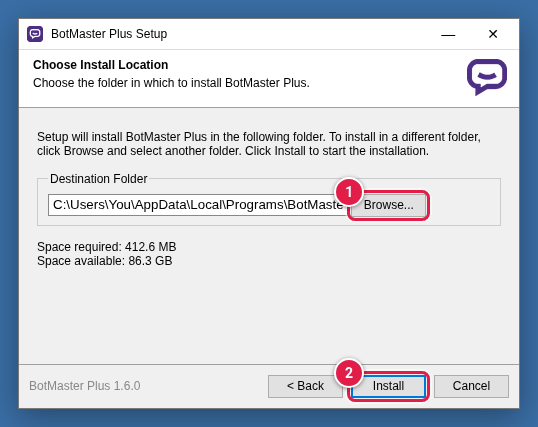
- Keep the suggested folder, or click Browse... to pick another one.
- Click Install and wait for the progress bar to finish.
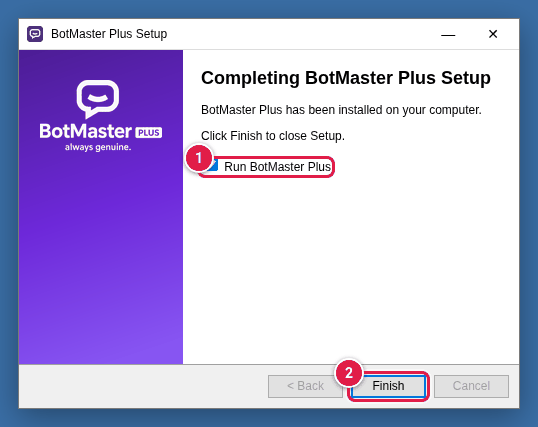
- Leave Run BotMaster Plus ticked.
- Click Finish. BotMaster Plus opens.